Extendable parameters and data: 0.14–30 m range, communication interfaces, configuration commands and flight-controller integration notes
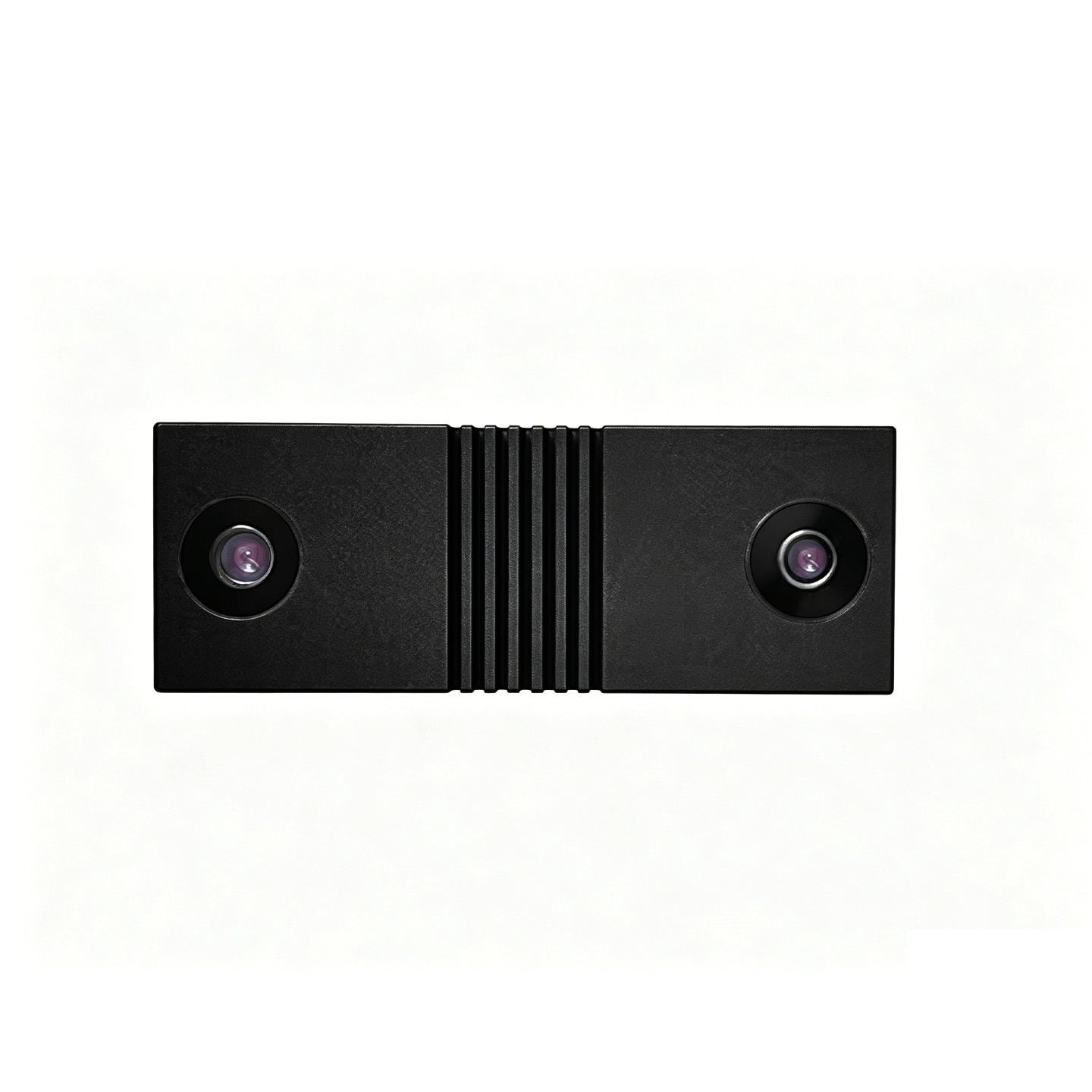
Extendable product parameters and data. Altitude range 0.14–30 m. The most compact body (22.4 g), suited to weight-sensitive small airframes; 10 m/s maximum horizontal speed (@ 5 m) for fast dynamic response.
Communication and electrical interfaces, VOFA+ configuration commands and APM / PX4 flight-controller integration notes are listed below. All modules connect to the flight controller over UART 3.3V TTL and output real-time data at 30–40 Hz. See Related Resources at the end of the page for the PDF tutorials.
| Interface | UART 3.3V TTL (connects to the flight-controller serial port, e.g. APM SERIAL4 or PX4 telem; baud rate 921600, mavlink2 protocol) |
|---|---|
| Power Supply | 5 V, 820–850 mW power consumption |
| Data Rate | 30–40 Hz continuous output |
| Data Content | Visual position XYZ and data quality. quality < 66 means the Z axis is invalid while XY remains valid; ≥ 67 means XYZ are all valid |
| System ID | The module's default flight-controller system ID is 01; configure a non-default one through the VOFA+ host application (hex commands) |
| Manual Altitude Calibration | Send AA AA AB BC ** ** ** (the last three bytes are the distance from the module to the plane, in mm, hex), takes about 5 s; returns AB BC EE success, AB BC 02 failure, AB BC 11 heartbeat |
|---|---|
| Automatic Altitude Calibration | In positioning mode the module mounts on the underside of the airframe and collects automatically; fly the drone up and down at 1–2 m/s with a span covering the range (over 4–8 m) to speed up convergence |
| Mounting Orientation | Lenses facing down is positioning mode (default orientation 1); lenses facing sideways is obstacle-avoidance mode, which cannot be used for positioning. Either orientation can be configured by command |
Commands are entered in hex through the VOFA+ host application; see the Module Setup Tutorial for the full procedure.
APM (ArduPilot)
Serial config mavlink2 / 921600 → enable RANGEFINDER and VISO; key parameters VISO_DELAY_MS (0–100 ms, default 10 ms), VISO_POS_M_NSE (small at low altitude, large at high altitude), VISO_POS, VISO_QUAL_MIN=20.PX4 (V1.14+)
mavlink instance + telem serial at 921600; key parameters EKF2_EV_CTRL (XYZ position only), EKF2_EV_DELAY (10–30 ms), EKF2_EV_POS_X/Y/Z, EKF2_EV_QMIN=20; the primary height source ekf2_hgt can be set to Baro / GPS / Vision.Vibration Requirements
In logs the IMU XY axes should stay within -3 to 3 and the Z axis within -15 to -5; vibration factor VIBE < 30(建议 < 3)。振动过大需加强减震或更换机架,否则定高定点不稳。Safety Settings
At high altitude reduce the maximum tilt (ANGLE_MAX) and the per-axis maximum acceleration; tilt-compensation error grows linearly with altitude, so avoid large aggressive tilt rotations. For first-time tuning: stabilize and take off first, switch to altitude hold after passing the blind zone, then switch to position hold.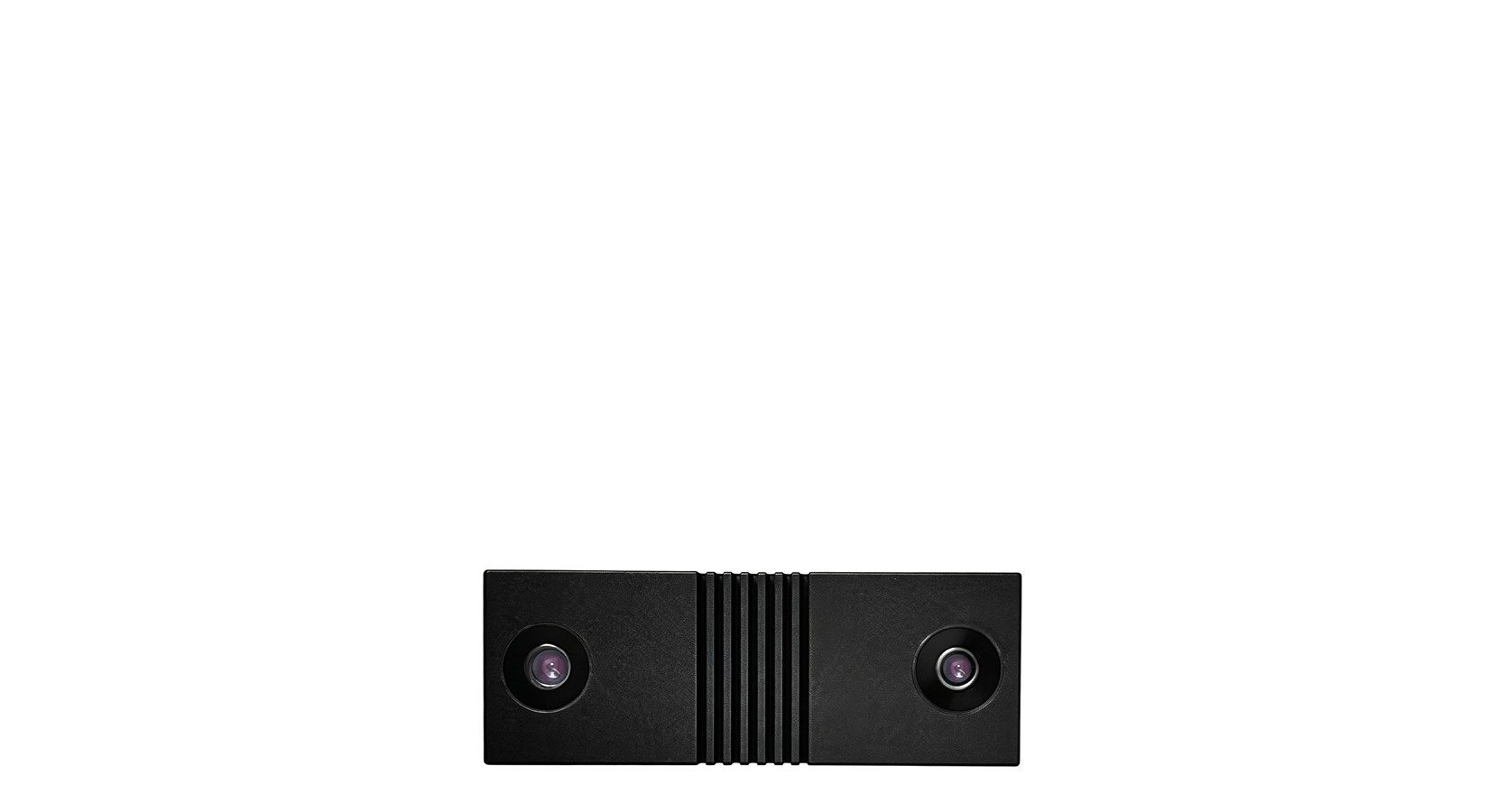
Compact 63×23×12.8 mm body, 0.14–30 m range, indoor and outdoor flight positioning
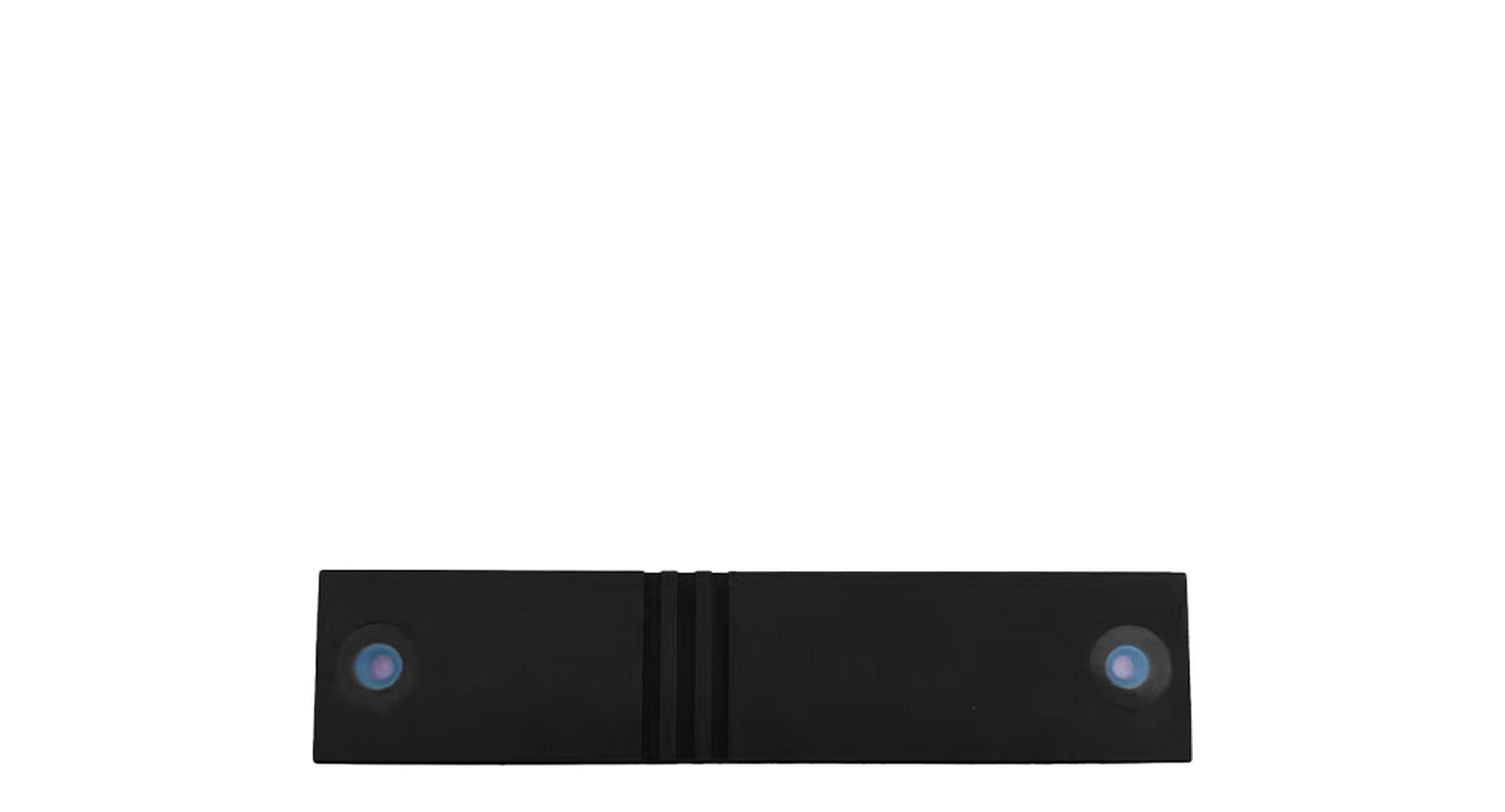
105×23×13.3 mm, 0.4–50 m range, all-scenario indoor and outdoor positioning
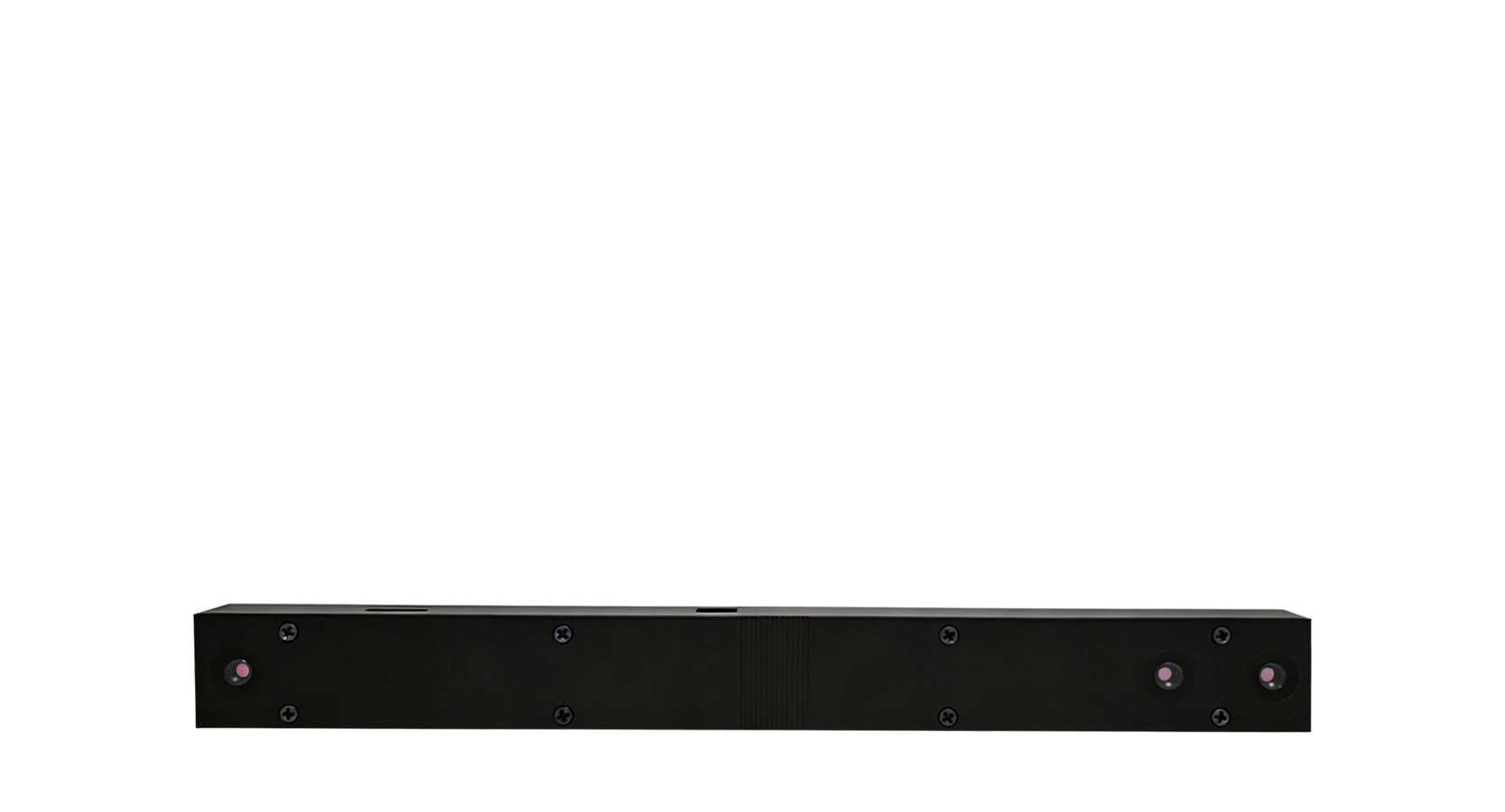
Ultra-wide 0.09–160 m range for high-altitude work and tethered altitude hold